
AI Video to Video GeneratorTransform Your Footage Into Any Style While Keeping Every Movement
Upload a JPG or PNG image larger than 300px.
Upload a 3-30 second MP4, MOV, or MKV clip. The allowed max length depends on character orientation.
Upload the character image and motion reference together before generating.
Match orientation in the video · up to 30s reference.
Optional. Motion comes from the video; prompt refines the look.
Everything Your Video to Video Generator Can Do
Six AI-powered capabilities that go beyond simple filters — restyle, transform scenes, change camera angles, and more.
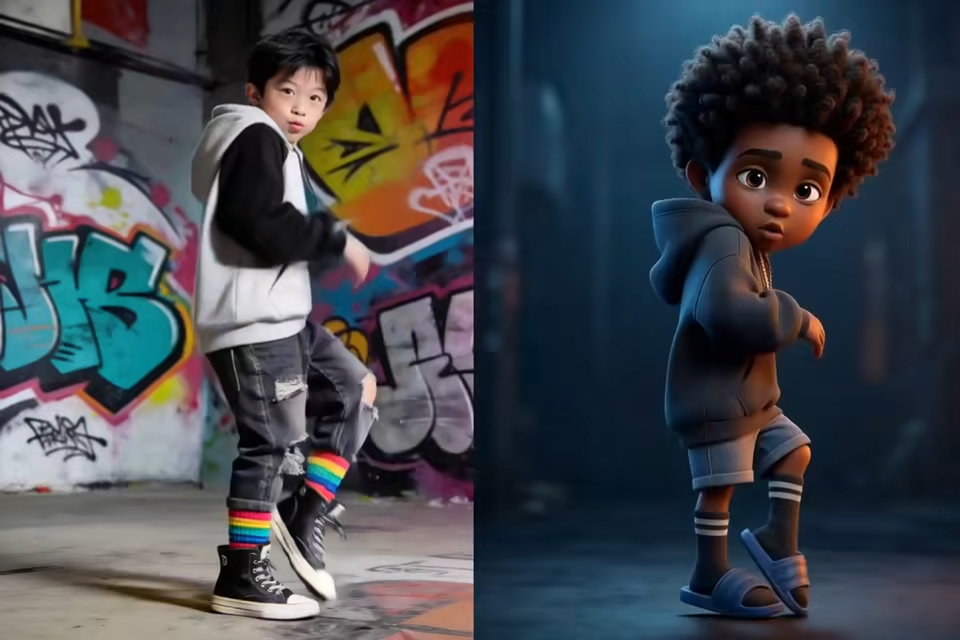
Prompt-Powered Video Transformation
Describe your vision in plain English — "make this look like a watercolor painting" or "turn this into a cyberpunk night scene" — and the AI restyles every frame accordingly. Upload a reference image to match a specific aesthetic, and the AI applies that look across your entire video.
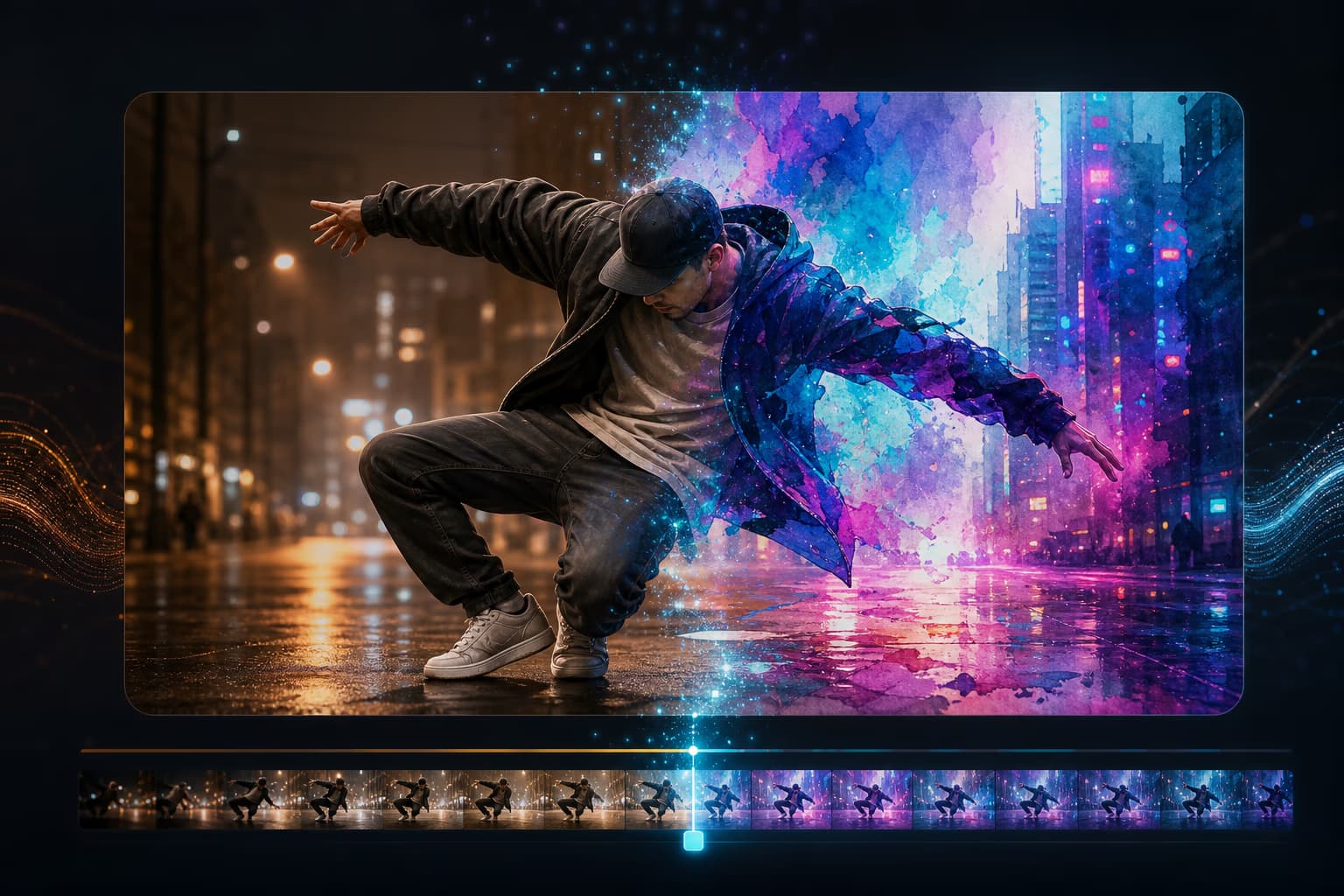
Change Camera Angles Without Reshooting
Shift from wide shot to close-up, change framing, or adjust perspective — all from a single video file. No need to set up multiple cameras or reshoot scenes.
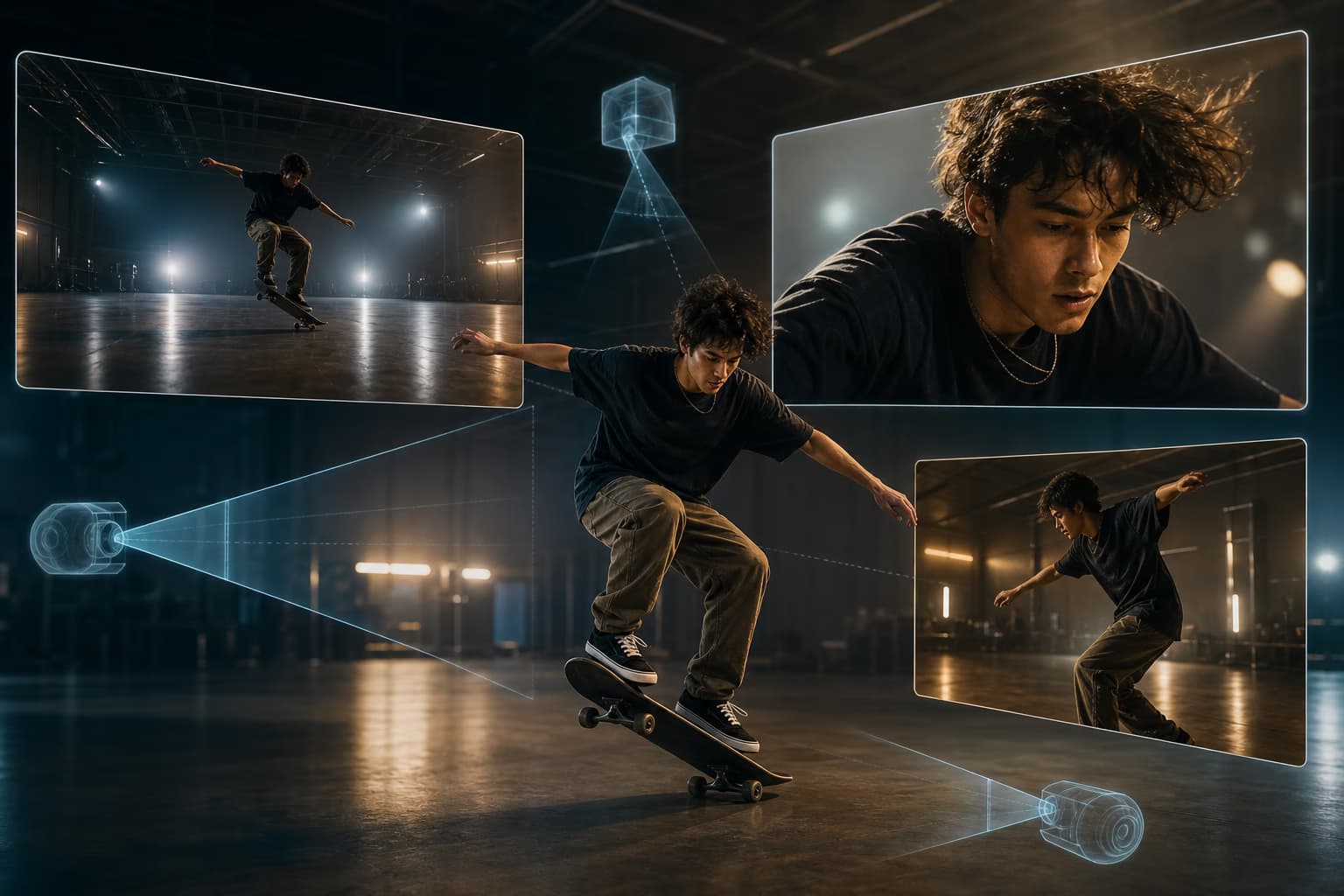
Transform Scenes and Environments
Turn an indoor shot into an outdoor landscape. Change daytime to night. Swap backgrounds while keeping the subject and motion perfectly intact. The AI understands depth and lighting, so transitions look natural.
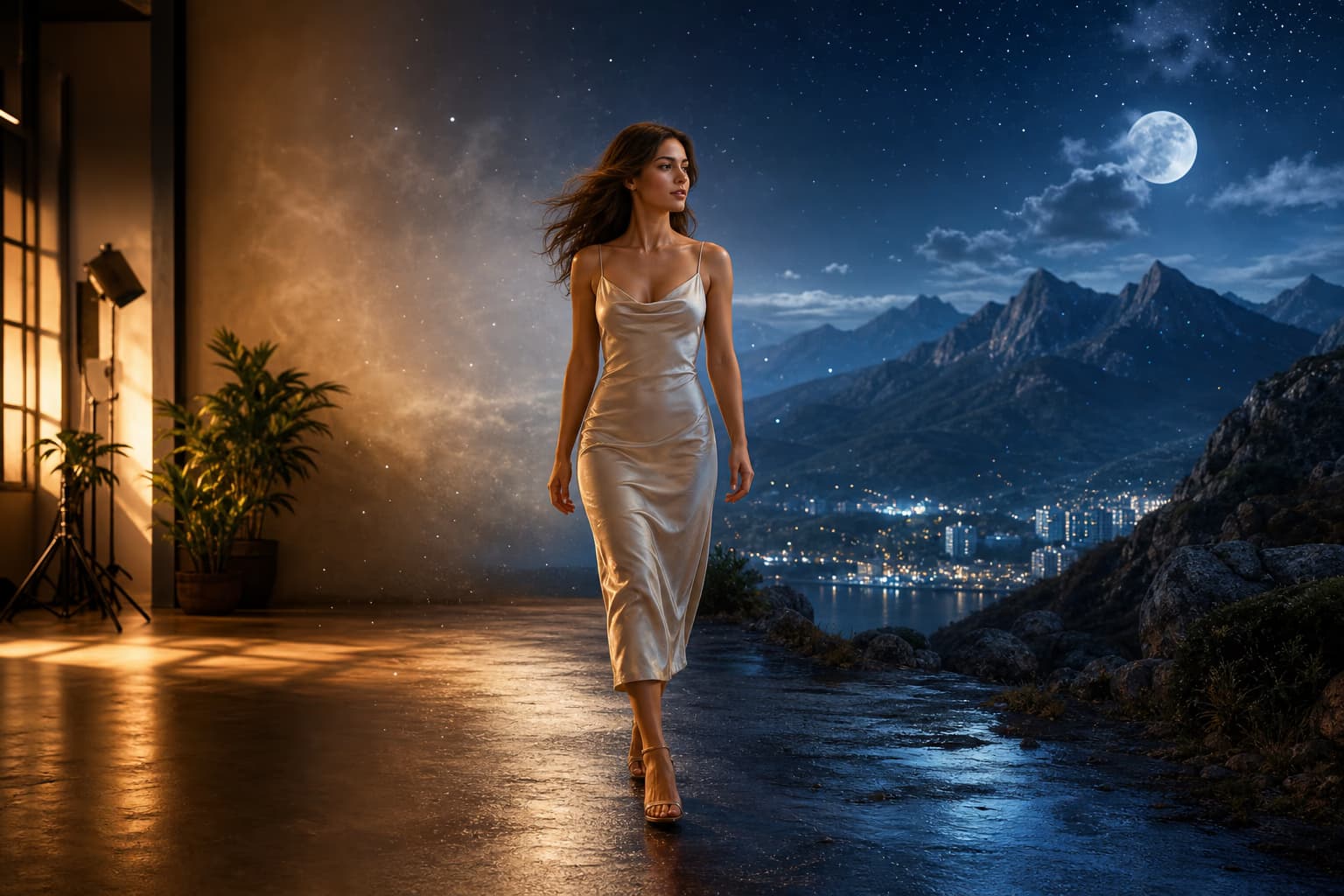
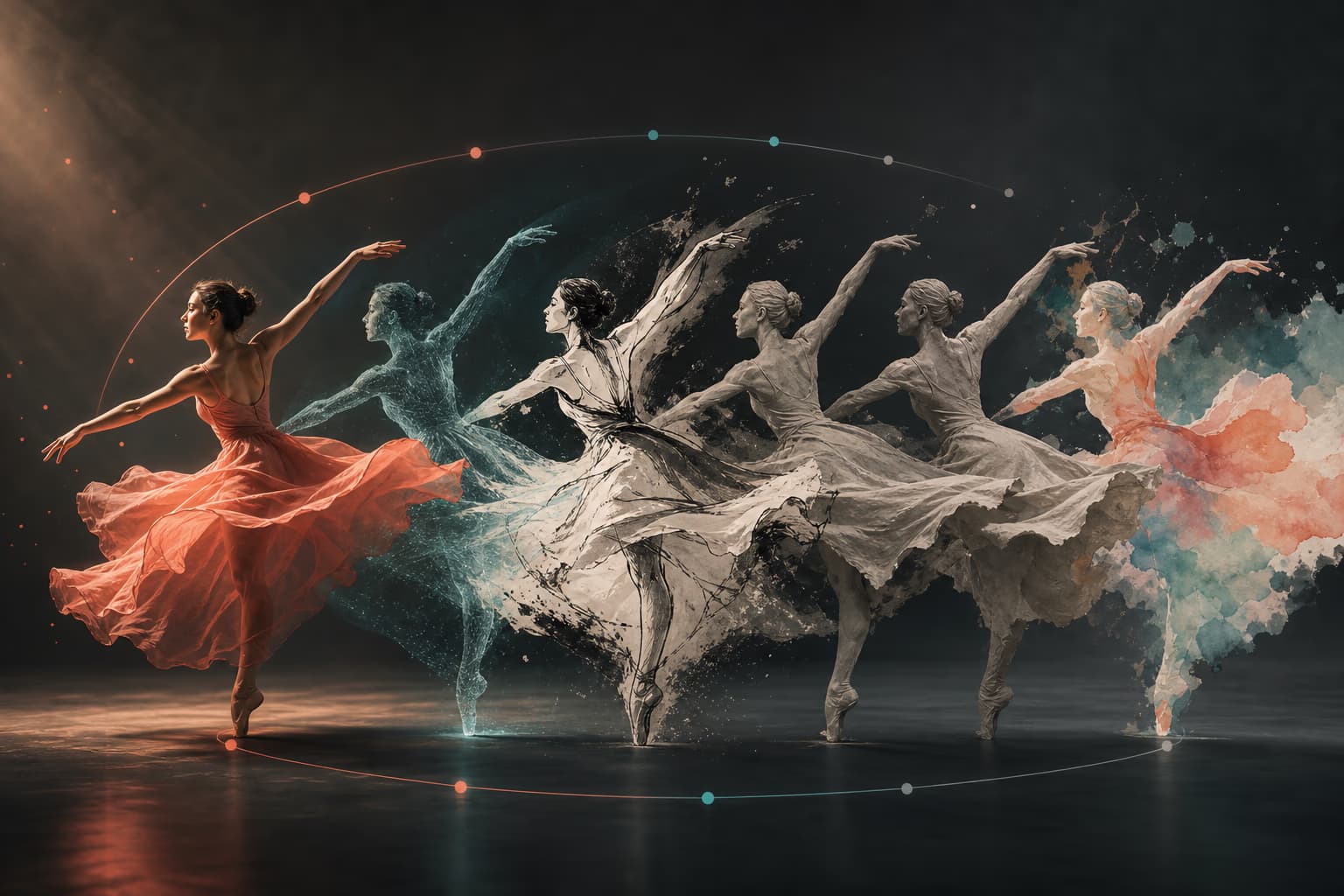
Restyle While Preserving Original Motion
Every transformation keeps your original movement, timing, and structure. Characters walk the same way. Objects move at the same speed. Only the visual style changes — that is the core of video-to-video AI.
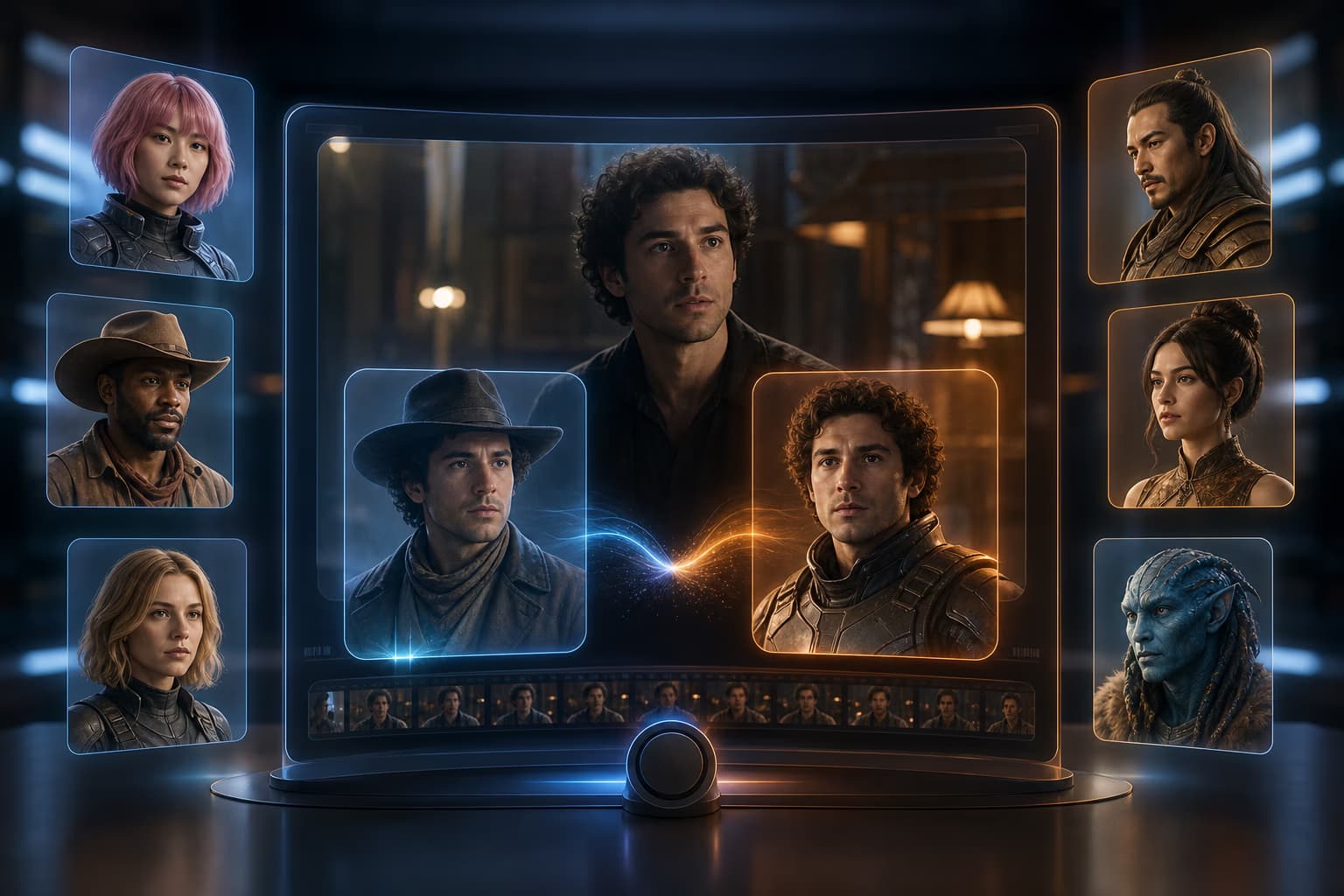
Swap Faces and Characters
Replace faces or entire characters in your video with AI precision. Useful for localization, creative storytelling, or creating multiple versions of the same scene with different casts.
Export in HD — No Watermark
Download your transformed video in high definition. No watermarks, no forced branding. Use it on YouTube, TikTok, Instagram, your website, or client presentations.
How to Transform a Video in 3 Steps
No timeline, no keyframes, no editing experience needed. Upload, describe your vision, and download — it is that simple.
Upload Your Video
Drag and drop your file or click to upload. We support MP4, MOV, and WebM formats. Your video stays private — uploaded files are never stored, shared, or used for training. You are done with this step in under 10 seconds.
Describe Your Vision
Type what you want in plain English — describe a style, a mood, a scene, or anything you can imagine. Upload a reference image and the AI matches that exact aesthetic. Most transformations complete in 1–3 minutes.
Preview and Download
Watch your transformed video side-by-side with the original. Not quite right? Adjust the style intensity or tweak your prompt — no need to start over. Once you are happy, download in HD. No watermark, ever.
What Is Video to Video AI?
Video to video AI is a technology that transforms your existing footage by applying new visual styles, changing scenes, or adjusting camera angles — all while preserving the original motion and timing. Instead of generating a video from scratch (like text-to-video), it takes your uploaded clip and reimagines how it looks.
Unlike traditional video editing, which requires frame-by-frame work, masking, and hours of manual adjustments, AI video to video tools understand your footage as a whole. You describe what you want in words, and the AI handles the rest — no editing timeline, no keyframes, no learning curve.
Who Uses a Video to Video Generator
From content creators to filmmakers — anyone with footage they want to restyle can use video-to-video AI.
Content Creators & Influencers
Turn one video into multiple styles for TikTok, YouTube Shorts, and Instagram Reels. Film once, then repurpose — anime version, vintage version, cinematic version — each optimized for a different platform's vibe. No editing skills, no expensive software.
E-Commerce Brands & Marketers
Transform product demo videos to match seasonal campaigns or brand refreshes. Apply a consistent visual style across your entire product catalog without reshooting. One product video becomes 10 variations — each ready for a different channel or audience.
Filmmakers & Video Production Teams
Test different visual treatments and moods before committing to expensive shoots. Change a daytime scene to night, switch from realistic to stylized, or see how a location looks in different weather — all from existing footage. Speed up pre-vis and creative pitch decks.
Social Media Managers
Adapt horizontal footage into vertical formats with AI — and restyle it to match each platform's aesthetic in the same step. From one master video, create native content for TikTok, Reels, YouTube, and LinkedIn without touching a timeline.
Game Developers & Animators
Use video-to-video AI to turn live-action reference footage into stylized animation that matches your game's art direction. Speed up pre-visualization and concept iteration.
Why Creators Choose Our Video to Video Generator
Five reasons this video-to-video AI stands out — from motion preservation to multi-model freedom.
Keep Your Motion, Change Everything Else
Most AI video tools sacrifice natural movement for visual flair. Our video-to-video AI preserves every gesture, every timing, every detail of your original motion — while completely reimagining how it looks. You get the style you want without losing the performance you captured.
Prompt-Driven, Not Template-Limited
No grids, no presets, no limits. Describe any style, mood, or aesthetic in words and the AI brings it to life. Upload a reference image to match a specific look. Your imagination sets the boundaries — not a dropdown menu.
Free Account, No Watermark, No Catch
Start transforming videos with a free account. No forced watermarks on your downloads. No credit card required to get started. If you like what you see, paid plans unlock longer videos and higher resolutions.
Not Just One AI Model
While most tools lock you into a single AI engine, we give you access to multiple video AI models in one place. Different models excel at different styles — pick the best one for your project, or try multiple models on the same video.
Built for Real Workflows
Download in standard formats that work everywhere — no proprietary files, no platform lock-in. Your videos are yours. Use them in your editor of choice, post them anywhere, keep them forever.
Trust & Quality
Privacy Protected
Your uploaded videos are processed in real time and deleted immediately after.
Commercial Use Licensed
Outputs from paid plans are cleared for commercial use — client work, ads, and more.
Frequently Asked Questions
Is this video to video generator free?
Will my video have a watermark?
What video formats are supported?
How long does it take to transform a video?
Do I need video editing experience?
Is my uploaded video stored or shared?
Can I use the output for commercial purposes?
What is the difference between video to video and text to video?
Can I use my own reference image for style?
How is the quality compared to manual editing?
What if I am not happy with the result?
Transform Your Video Now — Free to Start
Create a free account, upload your footage, describe the style you want, and download a transformed video in minutes. No watermark on output, no editing experience required.