
Gemini Omni AI Video GeneratorDemos, Prompts, and Editing Workflow
Required. Use it to define the target video and how references should be used.
Optional. Up to 7 images. Each image must be 20MB or smaller.
Optional. One MP4 or MOV, up to 100MB and 30 seconds. The selected clip range must be 10 seconds or shorter.
Optional references share a 7 unit input quota: each image counts as 1, one source video counts as 2, and each character ID counts as 1.
Used when no source video is provided. Source-video runs let the model decide duration.
720P and 1080P share the same credit tier. 4K uses the higher tier.
Gemini Omni Video Demos and Prompt Angles
Use these demo directions to understand what users expect from Gemini Omni: multimodal input, video-first generation, editable scenes, and promptable motion.
Text to Video Demo
Turn a product or story idea into a short video plan with camera motion, action, lighting, audio mood, and readable on-screen text.
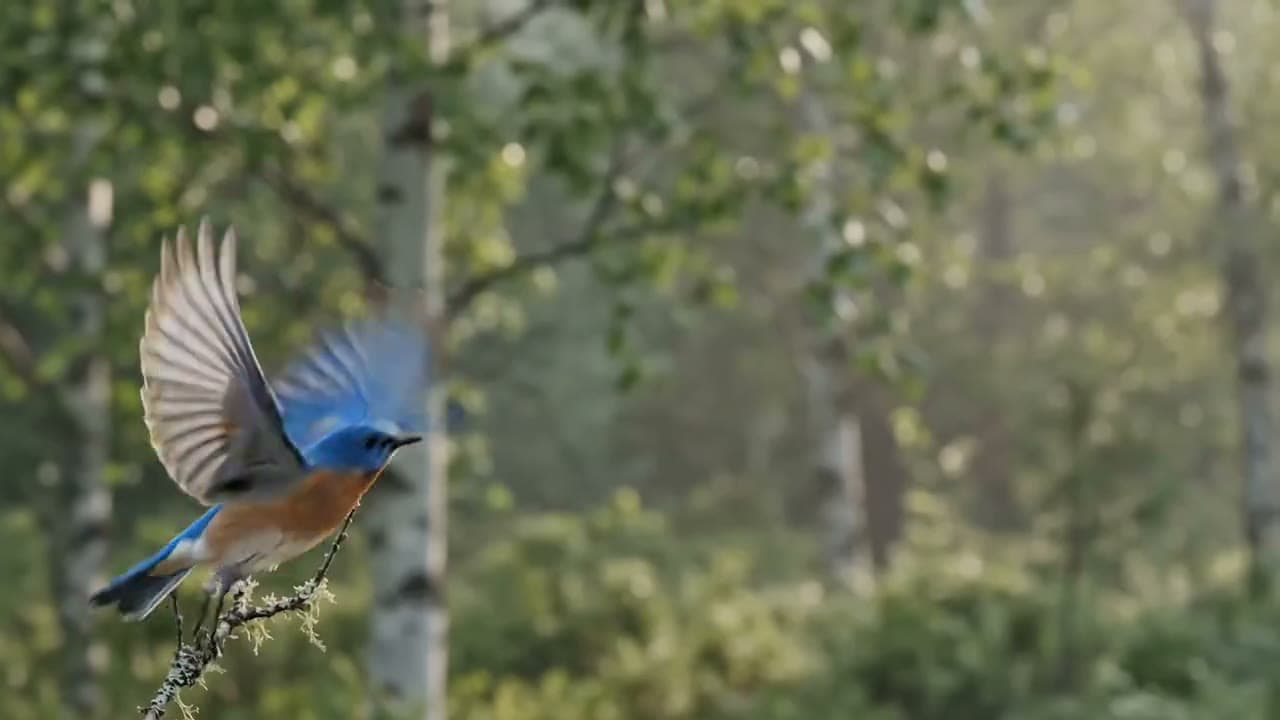
Image to Video Demo
Start from a reference image and animate it into a coherent scene while keeping the subject, style, and composition recognizable.
Video to Video Edit
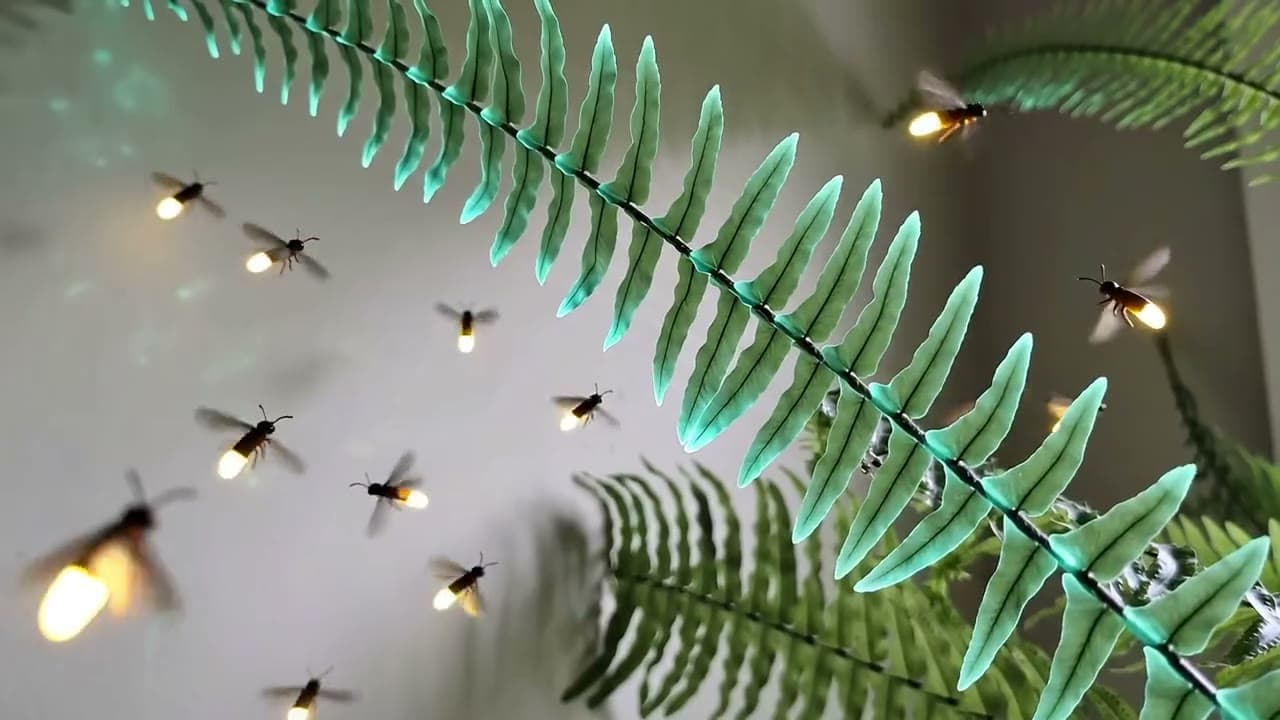
Use an existing clip as structure, then change the look, environment, camera framing, or action with a prompt-led editing workflow.
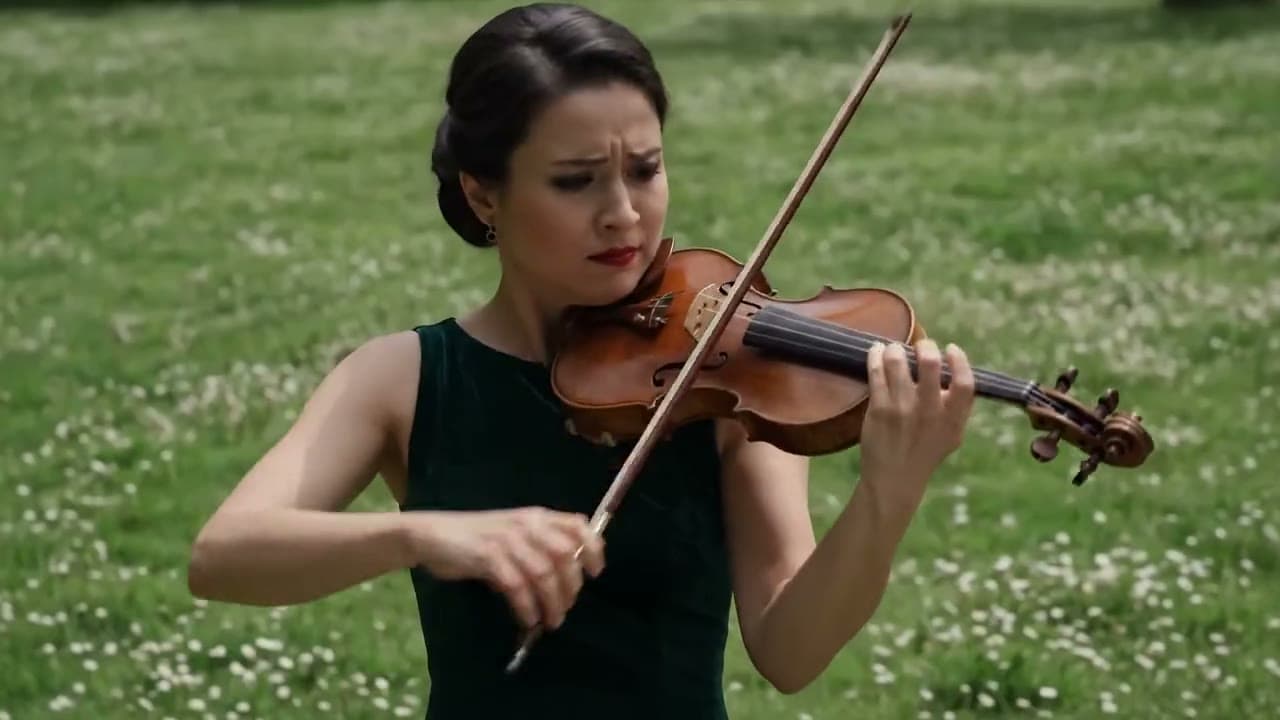
Multi-Turn Remix
Iterate like a conversation: revise the camera, improve text rendering, adjust motion, and keep the scene consistent across versions.
What Gemini Omni Is Expected to Do
A concise breakdown of the capabilities people search for: video generation, multimodal references, conversational editing, real-world context, and prompt control.
Multimodal Video Generation
Gemini Omni is positioned around creating video from text, images, video, and other references. Use this page to map those inputs into prompt-ready workflows before you create.
Conversational Video Editing
Searchers expect a chat-native editor where they can ask for scene changes, camera adjustments, remixes, or refinements without rebuilding the whole prompt from scratch.
Video Demos and Examples
See practical demo angles for product videos, social clips, storyboards, character scenes, and visual tests so you can judge the type of output to aim for.
Prompt Guide for Better Results
Structure prompts with subject, action, location, camera motion, shot type, lighting, style, audio, and text instructions to reduce vague output and improve consistency.
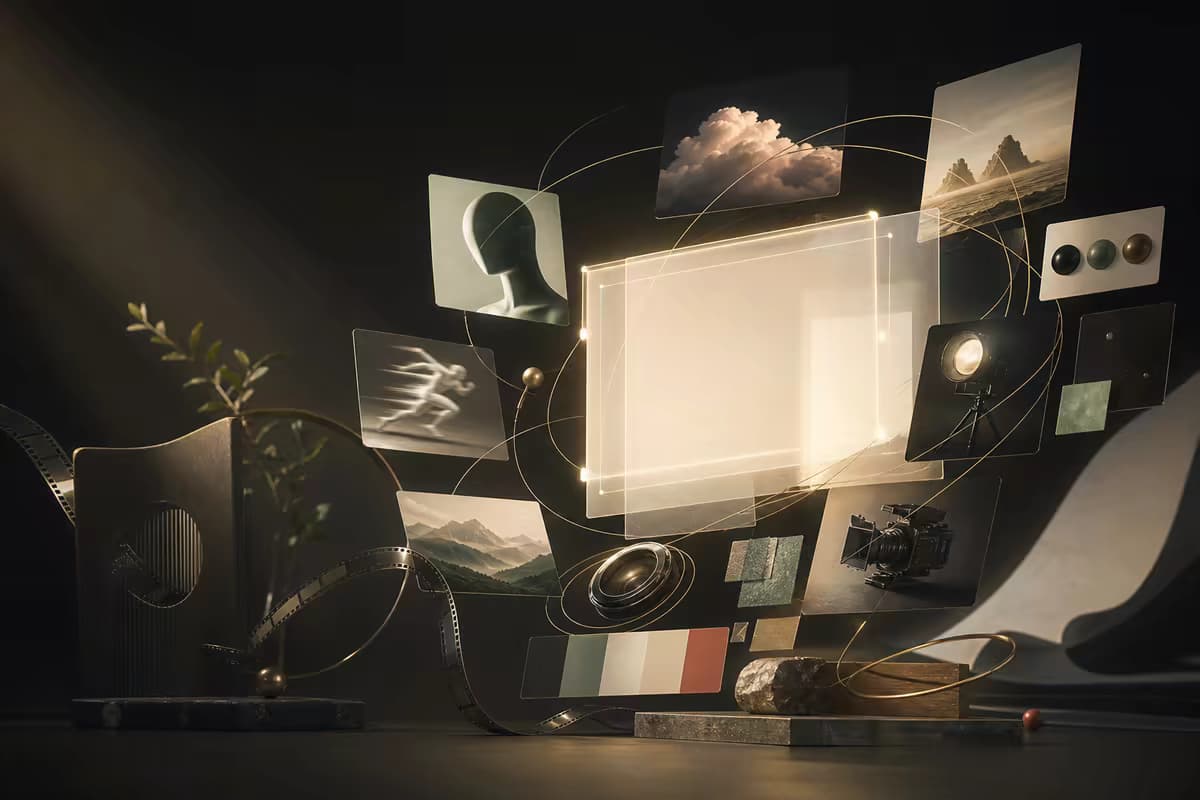
Text Rendering and Scene Consistency
Gemini Omni searches often focus on readable text, character continuity, and consistent scenes. Build prompts that call out logos, titles, object positions, and repeatable visual rules.

Free Workflow With No Watermark
Create AI video ideas with a free account and download watermark-free output from our workflow. Official Gemini Omni availability and plan access can vary by region and Google subscription.
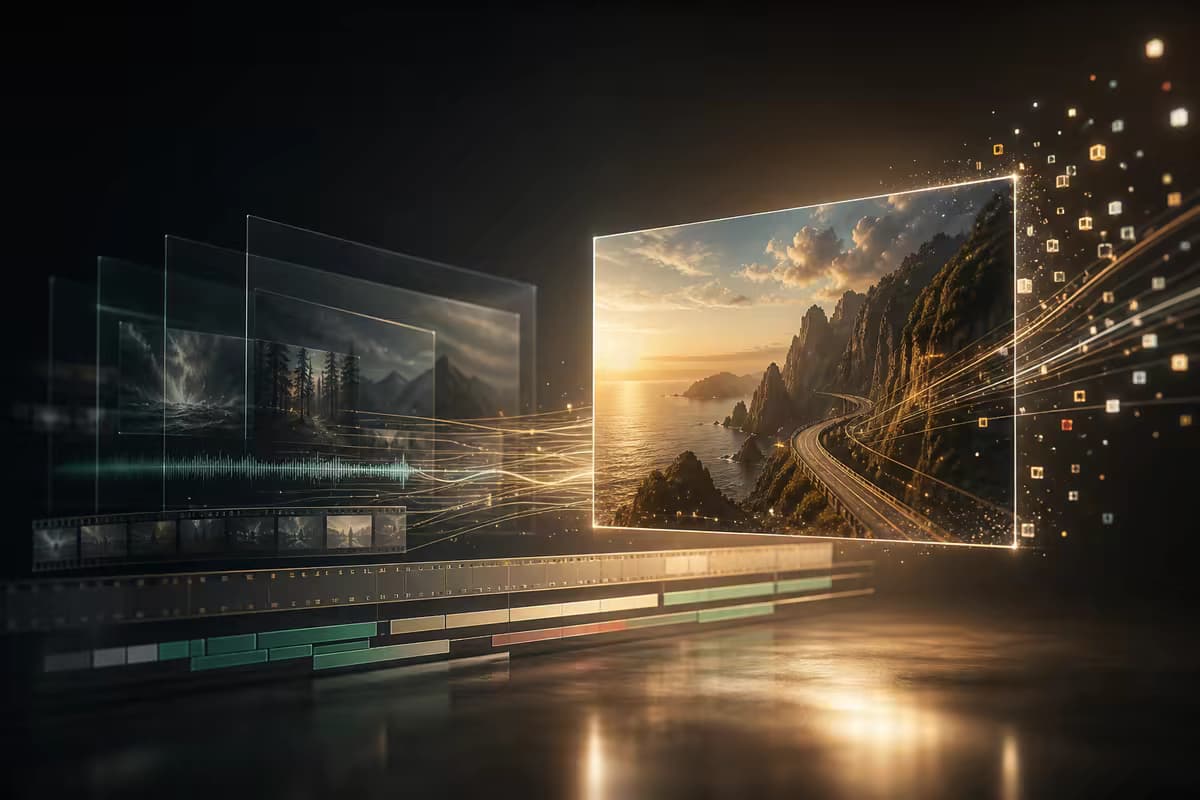
How to Use a Gemini Omni-Style Workflow
Move from search intent to a real video prompt in four focused steps.
Choose Your Input
Start with a text idea, product image, reference clip, storyboard note, or existing footage. Gemini Omni interest is multimodal, so decide what the model should keep and what it should change.
Write a Specific Prompt
Include subject, action, scene, shot type, camera movement, style, lighting, audio mood, duration, and any text that must appear clearly in the video.
Preview the Demo Direction
Check whether the concept needs text-to-video, image-to-video, or video-to-video treatment. Use demo examples to avoid prompts that are too broad or hard to evaluate.
Iterate the Edit
Refine one thing at a time: camera angle, movement, style, subject consistency, or text readability. Multi-turn editing works best when every revision has a clear target.
What Is Gemini Omni?
Gemini Omni is Google's video-first multimodal AI model direction for creating and editing video from natural language and reference media. Search interest around Gemini Omni is concentrated on video demos, how to use it, pricing or access, API availability, and whether it can handle image, video, audio, text, and real-world knowledge in one workflow.
This page is an independent guide and AI video workflow for people researching Gemini Omni. It summarizes the capabilities users are looking for, turns those capabilities into practical prompt patterns, and gives you a free no-watermark place to test AI video ideas while official Gemini Omni availability may vary.
Gemini Omni Use Cases Searchers Care About
Cover the high-intent scenarios behind Gemini Omni video, demos, prompt guide, app, free, price, and API queries.
Product Launch Videos
Create short demo concepts for ads, landing pages, and social campaigns. Include logo text, product handling, camera motion, and clean end frames so the result feels usable beyond a novelty demo.
YouTube Shorts and Social Clips
Plan 10-second vertical stories, hooks, remix ideas, and fast visual tests for creators searching for Gemini Omni app access or Gemini Omni video demos.
Image to Video Concepts
Animate a single reference image into a product scene, character moment, or cinematic establishing shot. This answers the image-to-video side of Gemini Omni's multimodal promise.
Video to Video Editing
Use existing footage as the motion base, then prompt a new style, lighting setup, environment, camera framing, or scene treatment without manual timeline work.
API and Workflow Planning
For teams searching Gemini Omni API or model details, use this page to define inputs, outputs, prompt rules, quality checks, and fallback workflows before official API access is clear.
Why Use This Gemini Omni Guide and Workflow
A practical landing page for searchers who want more than a launch announcement: demos, prompts, access answers, and a tool path.
Built Around Video Demo Intent
Many Gemini Omni searches ask for demos before anything else. This page puts demo directions, prompt examples, and use cases ahead of abstract model language.
Prompt Guide Included
Instead of only explaining the model, the page gives reusable prompt structure for camera movement, lighting, audio mood, style, on-screen text, and scene continuity.
Clear Access and Cost Answers
FAQ copy separates official Gemini Omni access from this independent AI video workflow, covering free usage, pricing, subscriptions, account needs, and watermark concerns.
Covers the Long-Tail Gaps
The page naturally covers Gemini Omni video demos, Gemini Omni video model, what Gemini Omni model is, Gemini Omni API, how to use Gemini Omni, and Gemini Omni price.
Free No-Watermark Workflow
Research the model, write a stronger prompt, then try an AI video workflow with a free account and no forced watermark on downloaded output.
Trust & Clarity
Independent Gemini Omni Guide
This page helps you understand Gemini Omni workflows and is not affiliated with Google.
Privacy Protected
Your uploaded videos are processed in real time and deleted immediately after.
Gemini Omni FAQ
What is Gemini Omni?
Is this page the official Gemini Omni website?
Is Gemini Omni free?
How do I get Gemini Omni?
Does Gemini Omni have an API?
What is the Gemini Omni video model?
Can Gemini Omni generate video from images?
Can Gemini Omni edit an existing video?
How good is Gemini Omni quality?
Will my videos be private?
Can I use Gemini Omni videos commercially?
What should I include in a Gemini Omni prompt?
Plan a Gemini Omni-Style Video Prompt
Use the research, demos, and FAQ on this page to build a stronger AI video prompt. Start free, test a workflow, and download watermark-free output when you are ready.